Objective |
Increase Buffer in RFC_READ_TABLE Function |
Support |
|
Contributor |
Albertus Reinandang ( reinandang@yahoo.com ) |
Step 1. Create a New Structure
1.Open T-Code SE11
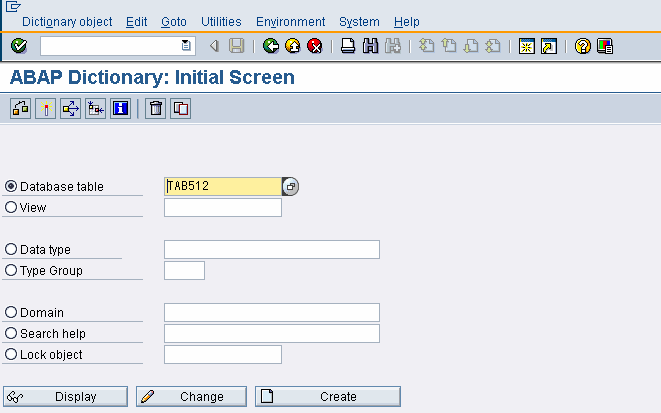
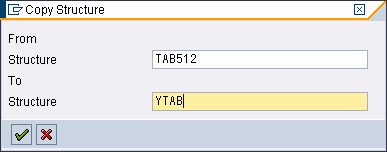
2.Click Copy Button to start to copied Structure from “TAB512” to “YTAB”
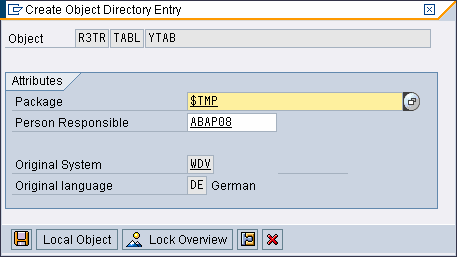
3.Save to Local File if you wantn’t transport to Production Server
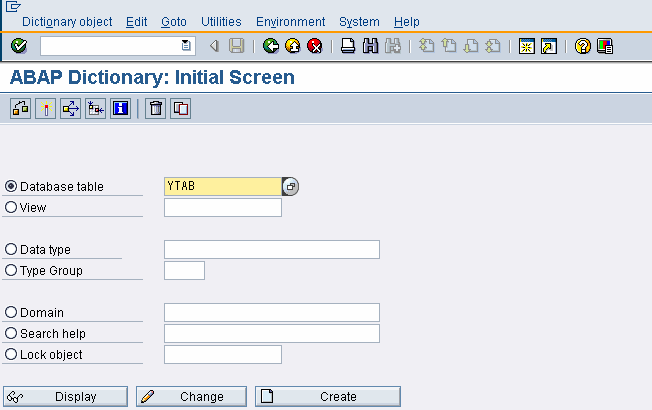
4.Click Change
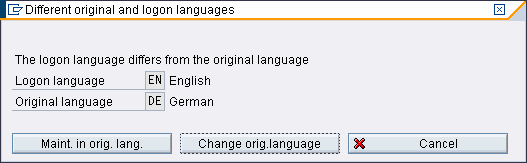
5.Click “Maint. in orig. language”
6.Delete the Component type of WA field
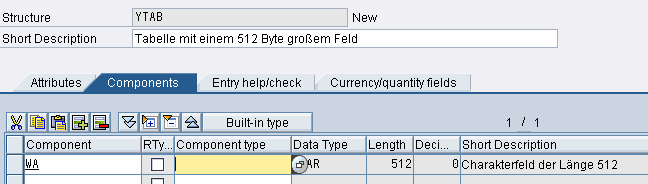
7.Click “Built-in-type” and Fill Data Type with : “CHAR” and Length “5000” .
You can increase or deacrease the length as you wanted.

8.Finally, click “Activate” button to activate the Structure
9.Follow Step 2.
Step 2. Create a YRFC_READ_TABLE from RFC_READ_TABLE Function
1.Open T-Code SE37
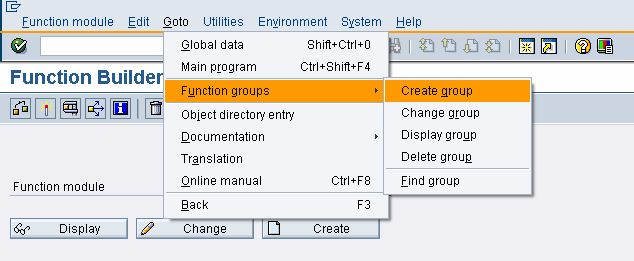
2.Click Menu Goto > Function groups > Create group
If you don’t have any Function Group, you must create at least 1 group.
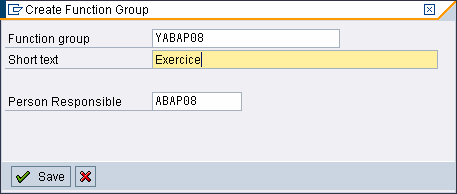
3.Click Save button to create a Function Group
Example : YABAP08
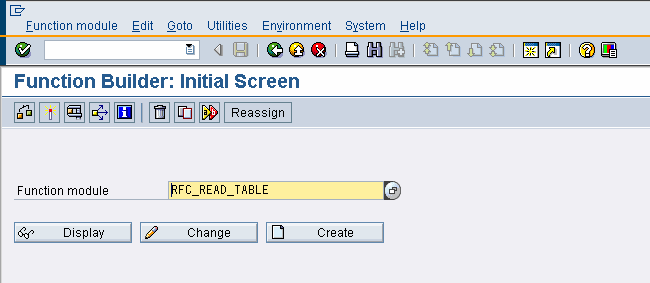
4.Write “RFC_READ_TABLE”
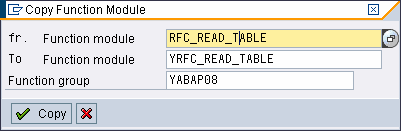
5.Click Copy Button to start to copied function from “RFC_READ_TABLE” into to “YRFC_READ_TABLE” with “YABAP08” as Function Group
6.Open “YRFC_READ_TABLE” Function, and activate the Table tab.
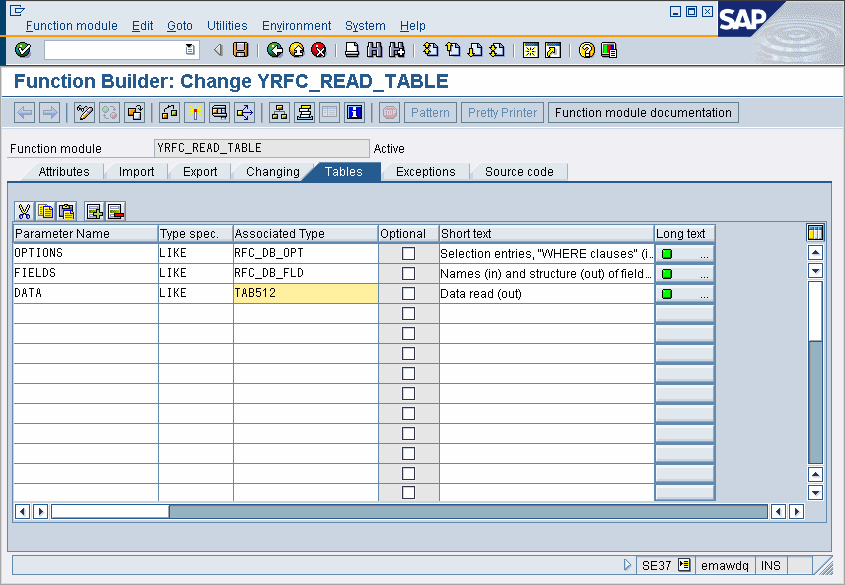
7.Change TAB512 into YTAB
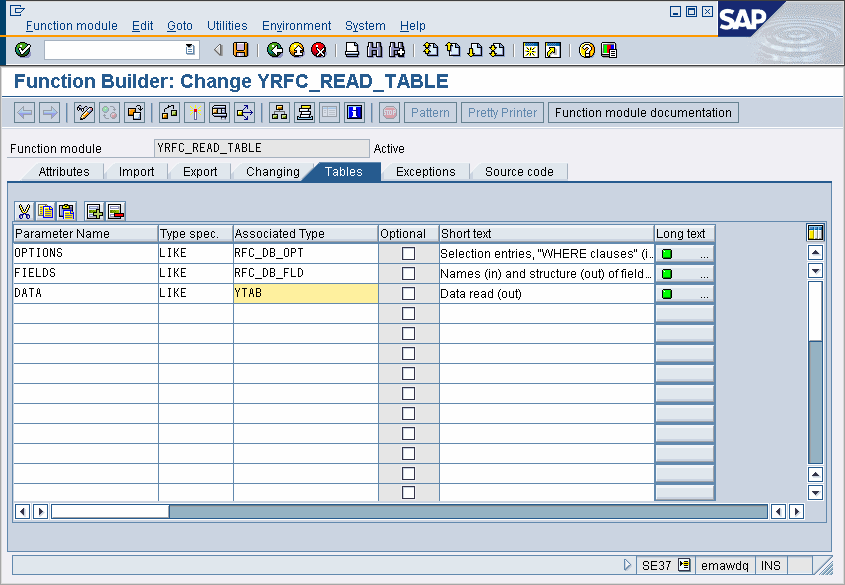
10.Finally, click “Activate” button to activate the Function
If you are using SAP RFC Pro, you must change the RFC in Form RFC, like this screen capture bellow :
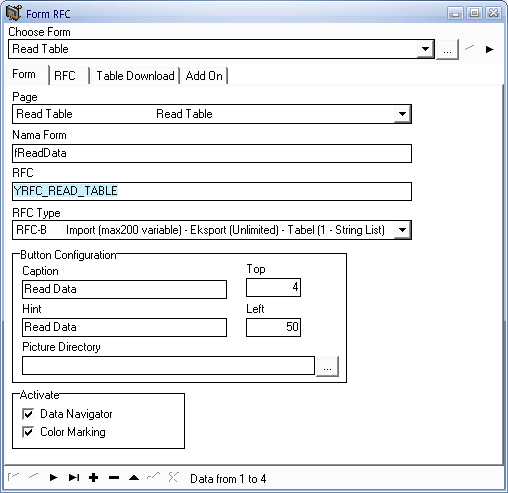
If you are using MIL_READ_TABLE, you must implement all 2 step and change default function name.