Objective |
Enhance Data Element |
Transaction code |
CMOD - Project Management of SAP Enhancements |
Support |
|
1. Open t-Code SE11
2. Insert Data Type "S_CARRID18"
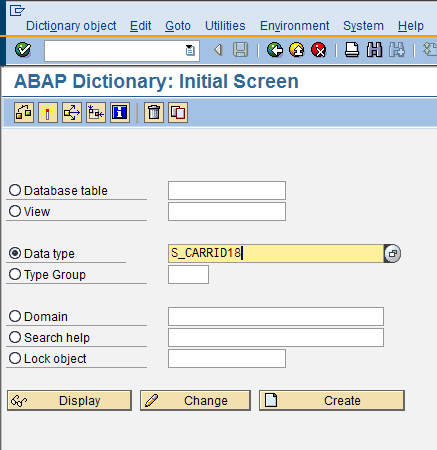
3. Click Display
4. Press the button " "
"
5. When the popup of HELP appears then press the button " "
"
6. Input the modification name
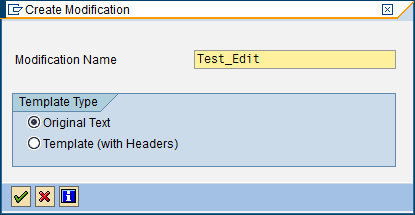
7. Then press the button "Check"
8. Edit that Documentation accordance with the requirements
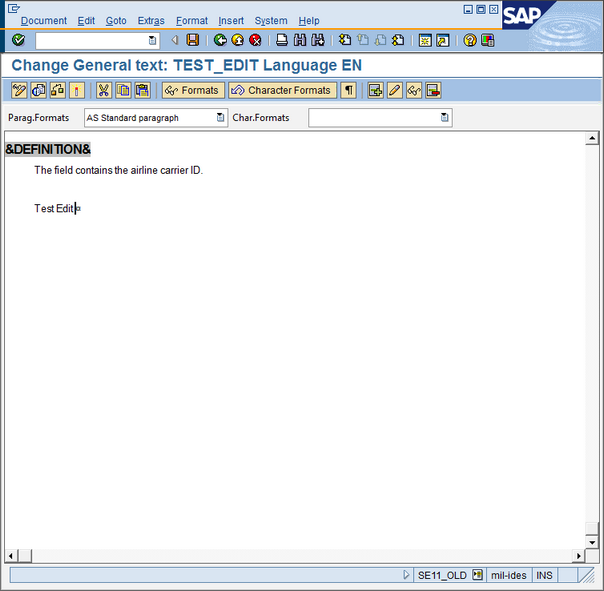
9. Press the button "Activate"
10. Insert Package/Development Class accordance with the package name that available at related Data Element
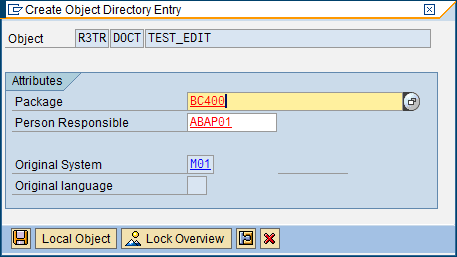
11. Click Button "Save" then create new request as below
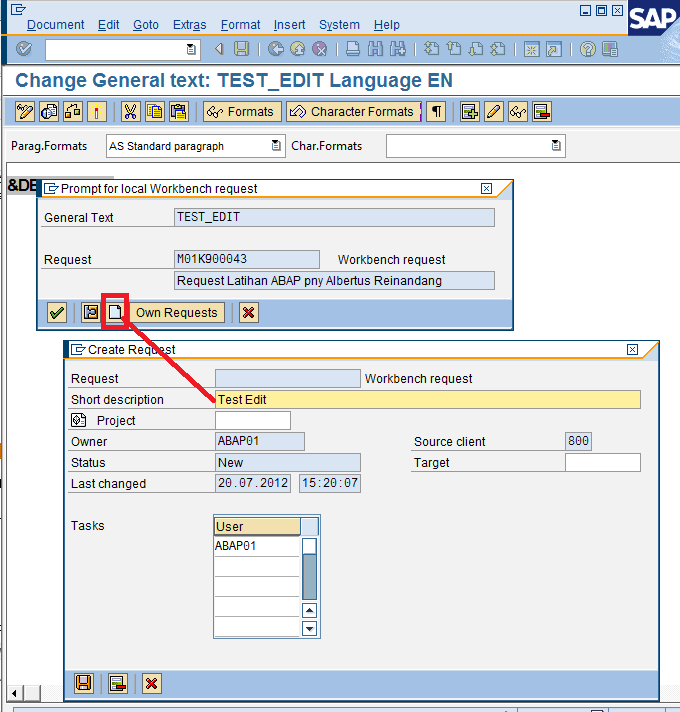
12. Press the button "Check" for ensure the enhancement is done into a Request Number
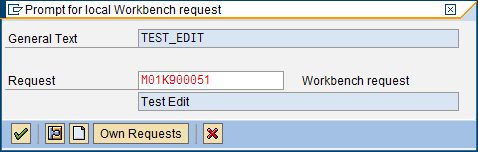
13. Finish
1. Open t-Code CMOD
2. Open menu "Text enhancements" as below
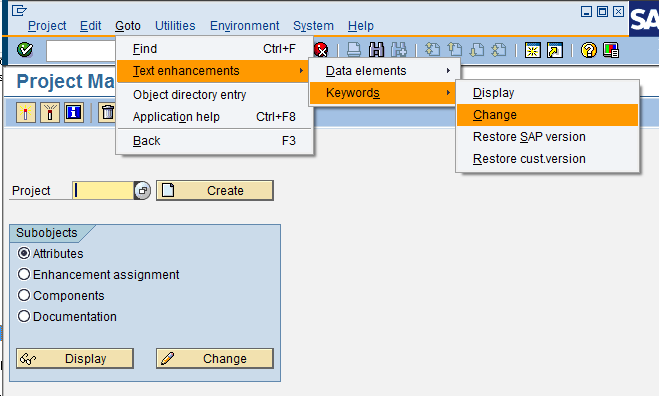
3. Insert data element name that want to change
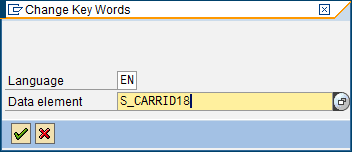
4. Change the desired label
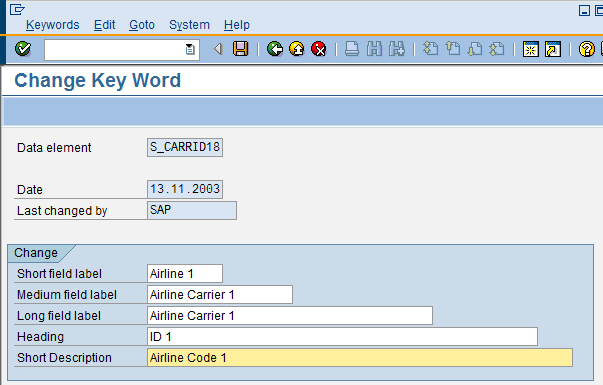
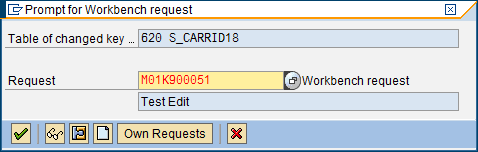
5. Press the button "Save" and insert into desired Request Number
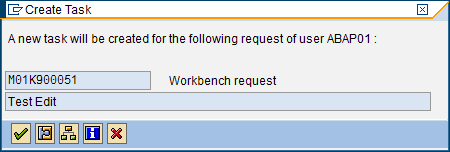
6. Open t-Code SE11 for check field label that have been enhanced
7. Finish