Article/Tutorial |
Create Portable SAP IDES |
Support |
|
Contributor |
Dadan Ridwan ( dadanridwan@yahoo.com ) Albertus Reinandang ( reinandang@yahoo.com ) Ahmad Imron ( al75n@yahoo.com ) |
Why you should used Portable IDES ?
1.Portable.
Every time you change your computer, you don't have to installs IDES again. Just unplug your external hardisk and plug in to other computer. Less than five minutes, you could have IDES sever run again.
2.Easy Backup and share.
Just copy and paste to another hardisk.
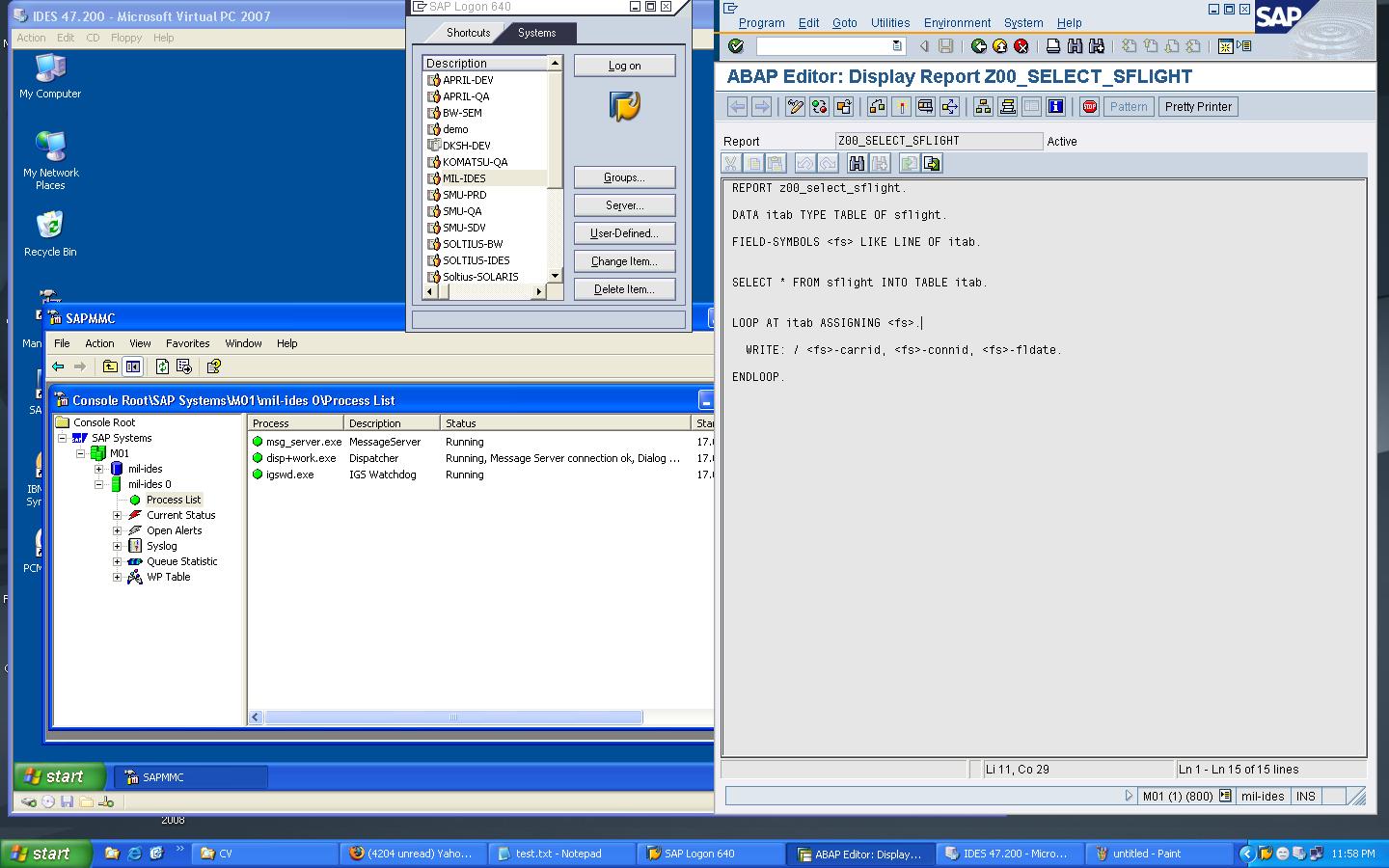
View Screen Capture Portable IDES 4.7x200
|
Start Develop
1.Create Portable IDES 4.7x200
3.Windows Installation in VirtualPC
5.Oracle92 Installation for IDES
Contact us to get Detail Information about Portable IDES :
Email : dadanridwan@yahoo.com, or support@sap-interface.com